Trimble Thunderbolt (RS232)

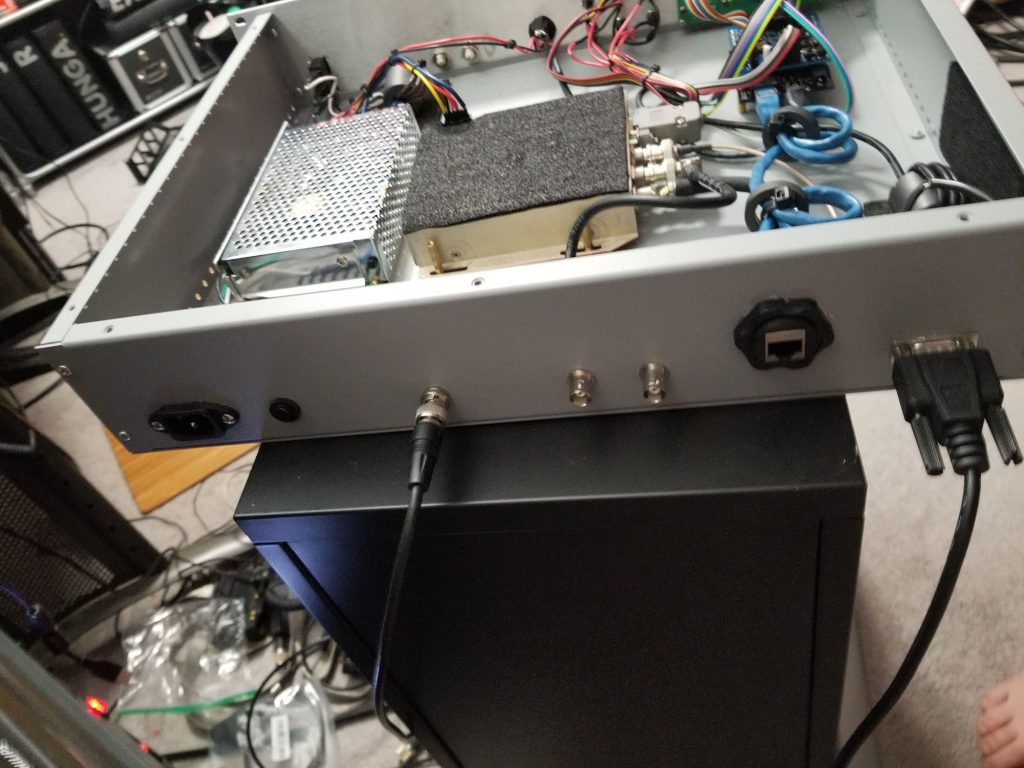
The Thunderbolt connects to your computer via a 9 pin serial port.  Standard pins are in use.

  1. Not used
  2. Transmit (TxD)
  3. Receive (RxD)
  4. Not used
  5. Ground (Gnd)
  6. Not used
  7. Not used
  8. Not Used
  9. Not Used

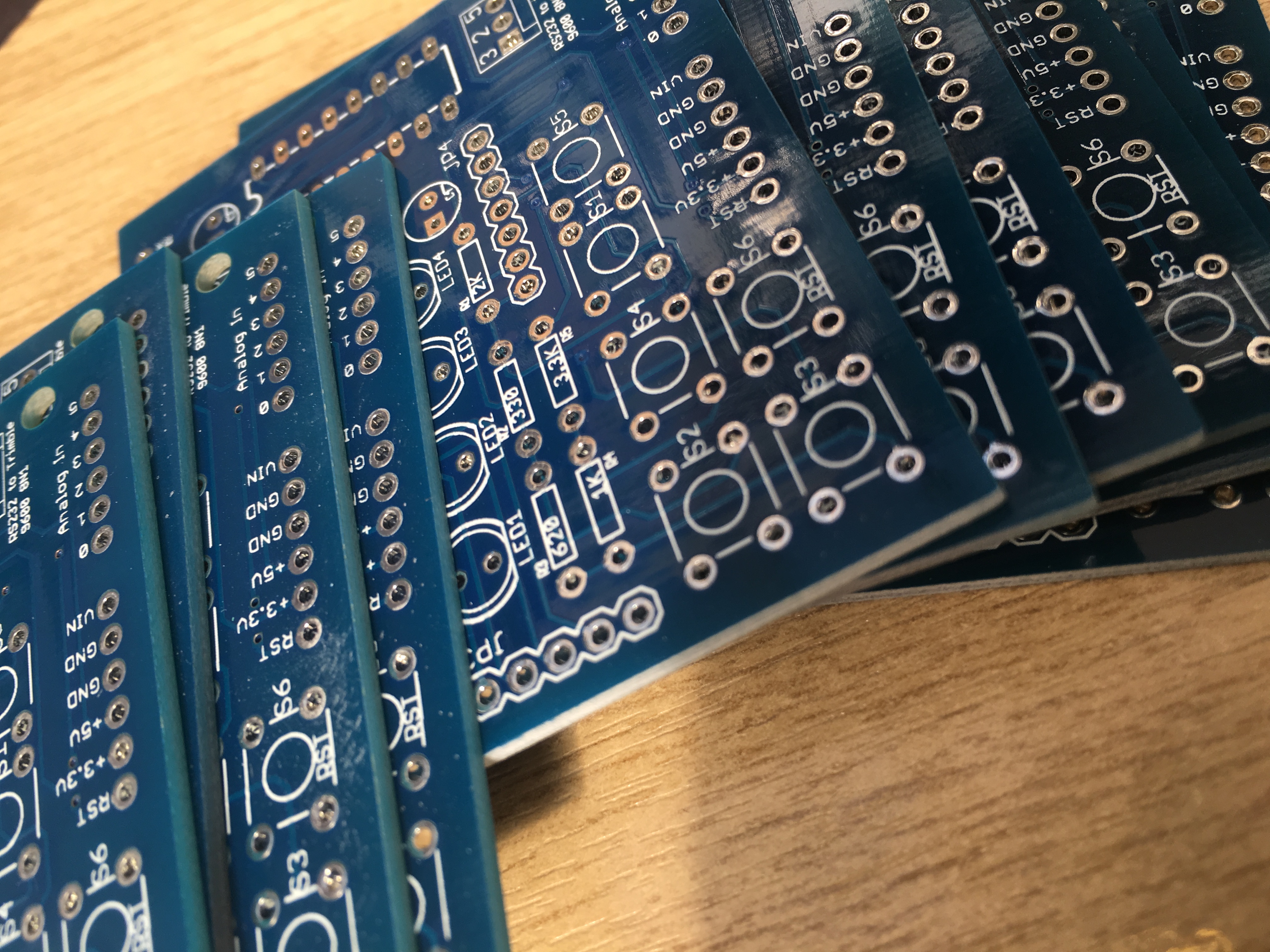
If you are planning to connect your Trimble to a microcontroller as I am you will need to provide it appropriate levels as the RS-232 standard defines the voltage levels that correspond to logical one and logical zero levels for the data transmission and the control signal lines.  Valid signals are plus or minus 3 to 15 volts; the ±3 V range near zero volts is not a valid RS-232 level. The standard specifies a maximum open-circuit voltage of 25 volts: signal levels of ±5 V, ±10 V, ±12 V, and ±15 V are all commonly seen depending on the power supplies available within a device. RS-232 drivers and receivers must be able to withstand indefinite short circuit to ground or to any voltage level up to ±25 volts.

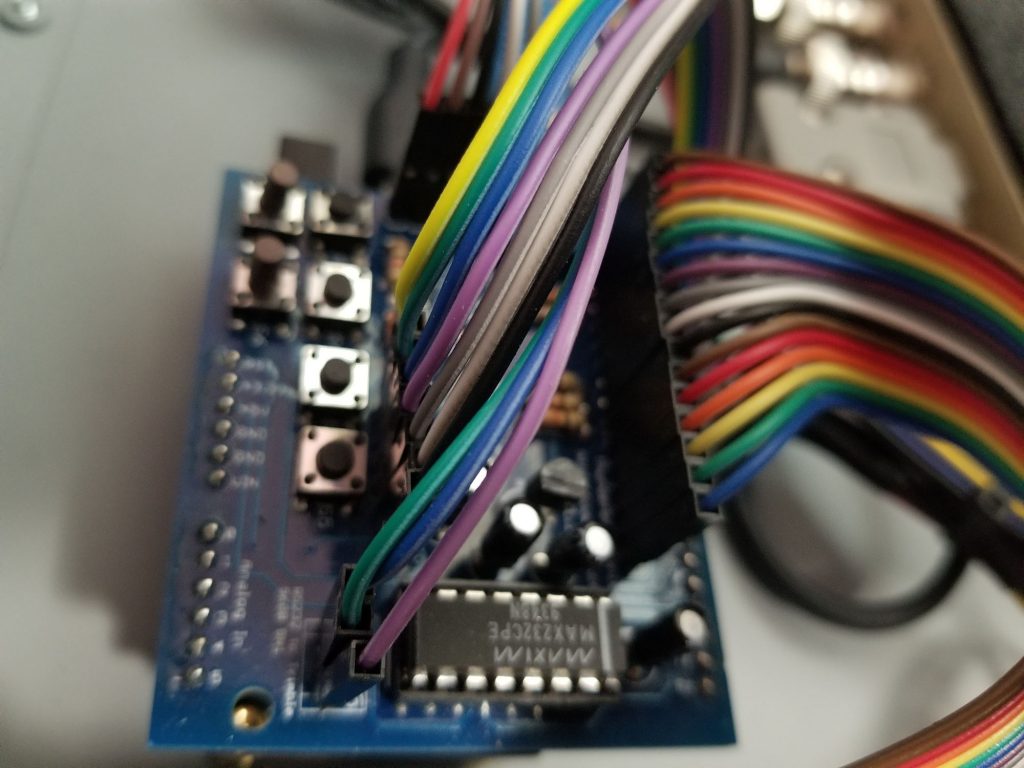
The common way of interfacing RS232 to a processor is via a MAX232.  Don’t forget the MAX232 inverts the signal so you will need to allow for that in your code.

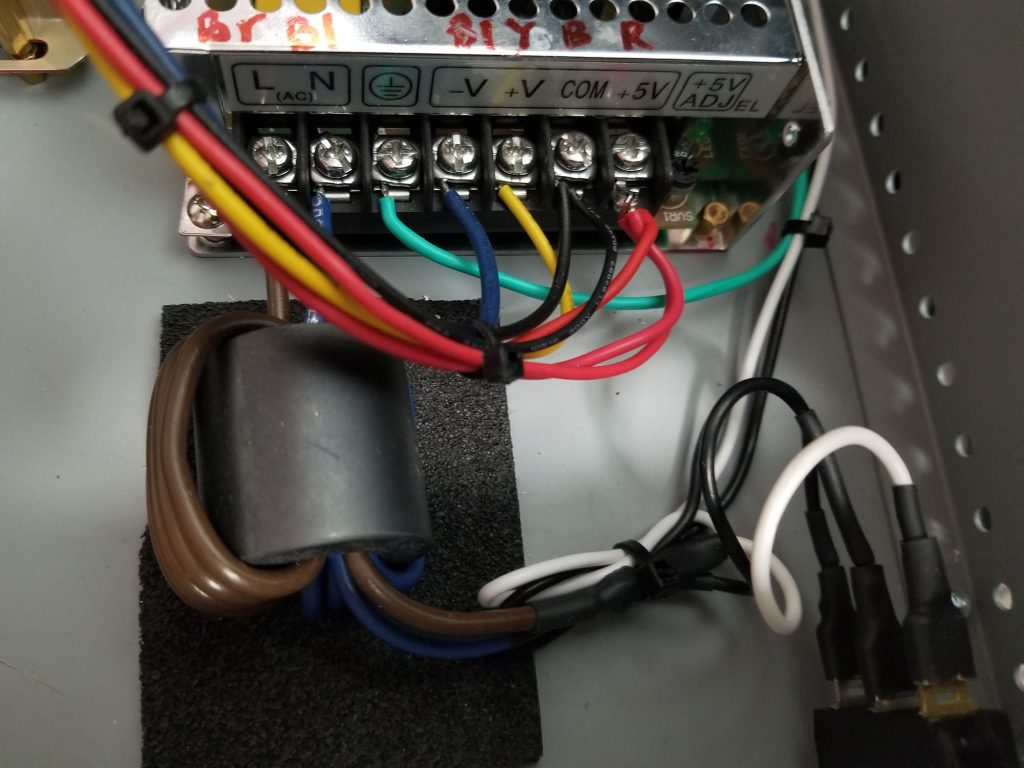
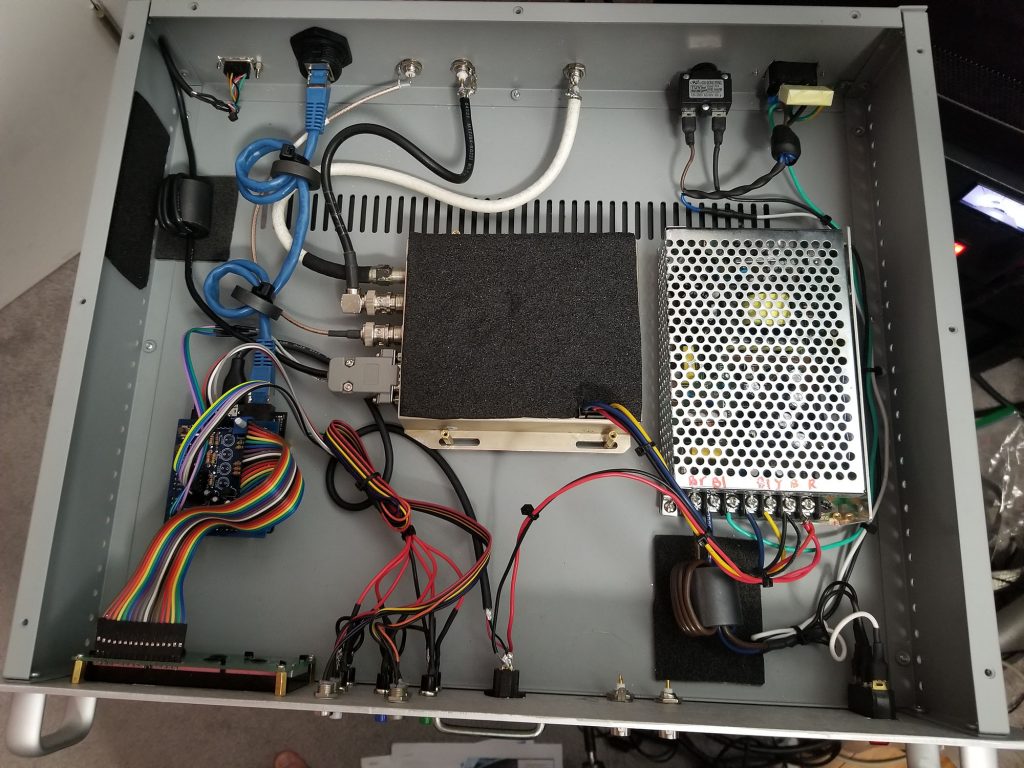
I took the easy way out and purchased a small module from Jungletronics (ebay) designed for this purpose.  Cost a few pounds and is pretty much plug and play (except for making the interface cable to the Netduino.  I also decided to put them back to back so bought a male to male gender changer too.

Trimble Thunderbolt Monitor Project (LCD)

I decided I would like to start a new construction project for 2012. Having thought carefully I finalised on a 10MHz reference which can be used as a standard for test equipment, or to lock the master oscillator (TCXO) of a rig/transverter to a solid, accurate source. I did quite a bit of research over Christmas and concluded that the best bet would be to start with something commercial and add to it. It is possible to start from scratch but with the surplus market so cheap why not spend the time adding the sugar and actually using it.

My research eventually pointed me to the Trimble Thunderbolt which is a commercial GPS disciplined clock and readily available on eBay. This was to be the basis of the project. I ordered one and it arrived today.

20120109-213634.jpg

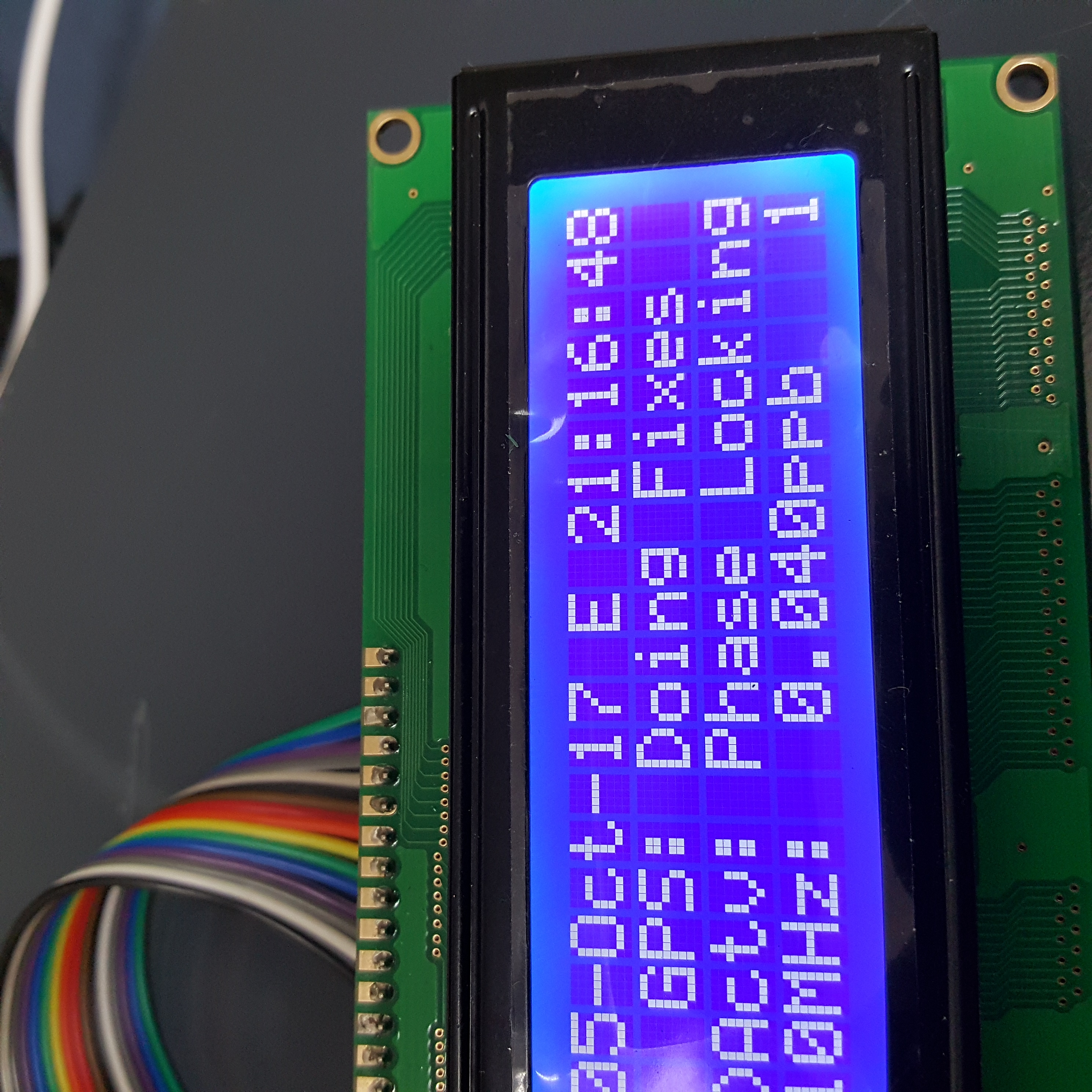
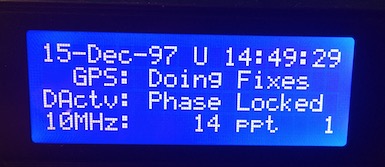
To interact with the Thunderbolt you plug it into a PC and use some proprietary software which reads the TSIP data stream. TSIP is the protocol used and is not as simple as the typical NMEA stream you would get from a GPS. Plugging it into a computer is not the most useful way of determining if a lock is present so I decided to add an LCD screen. It is possible to get quite a bit of information from the unit thanks to the brilliant documentation from Trimble.

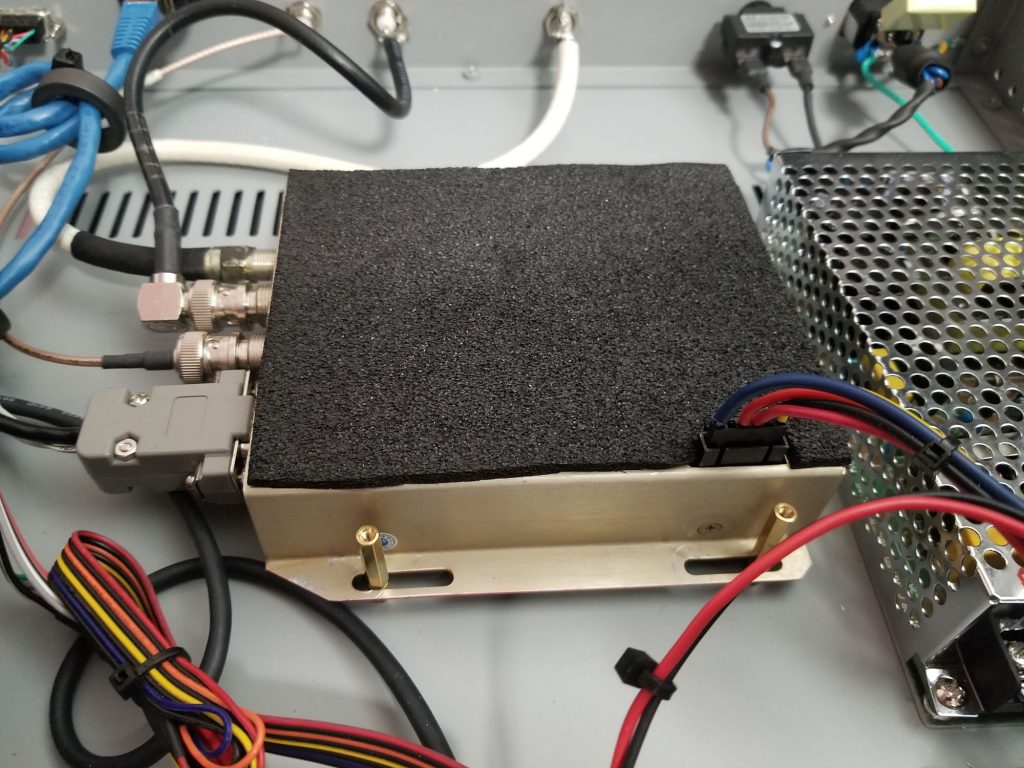
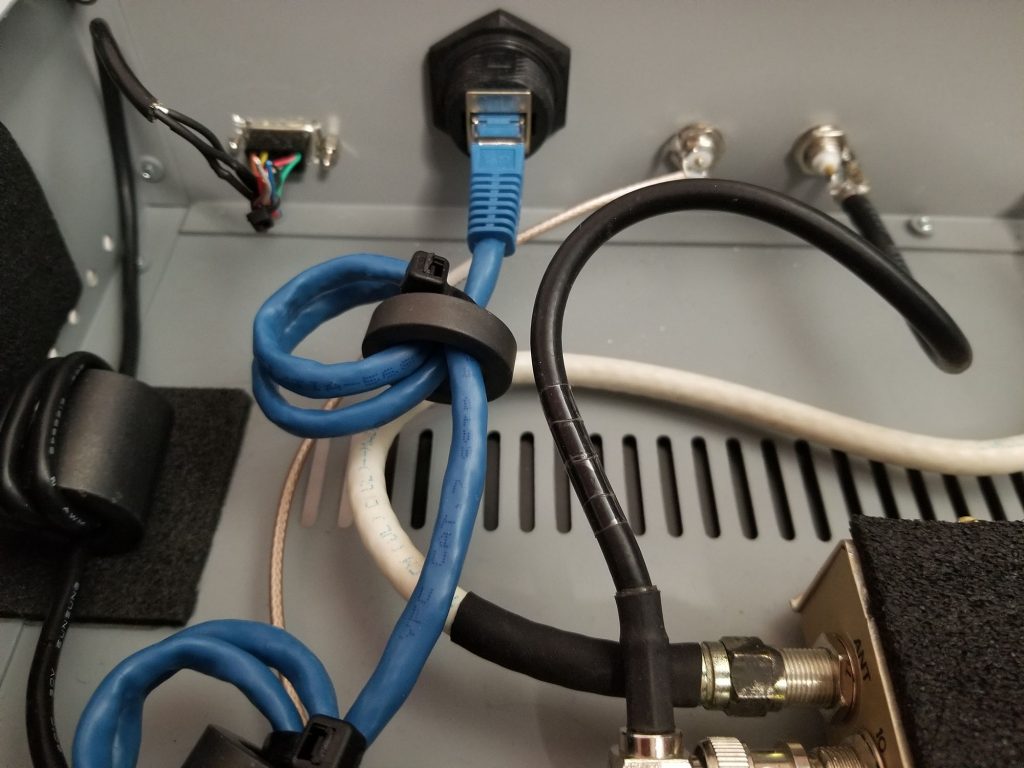
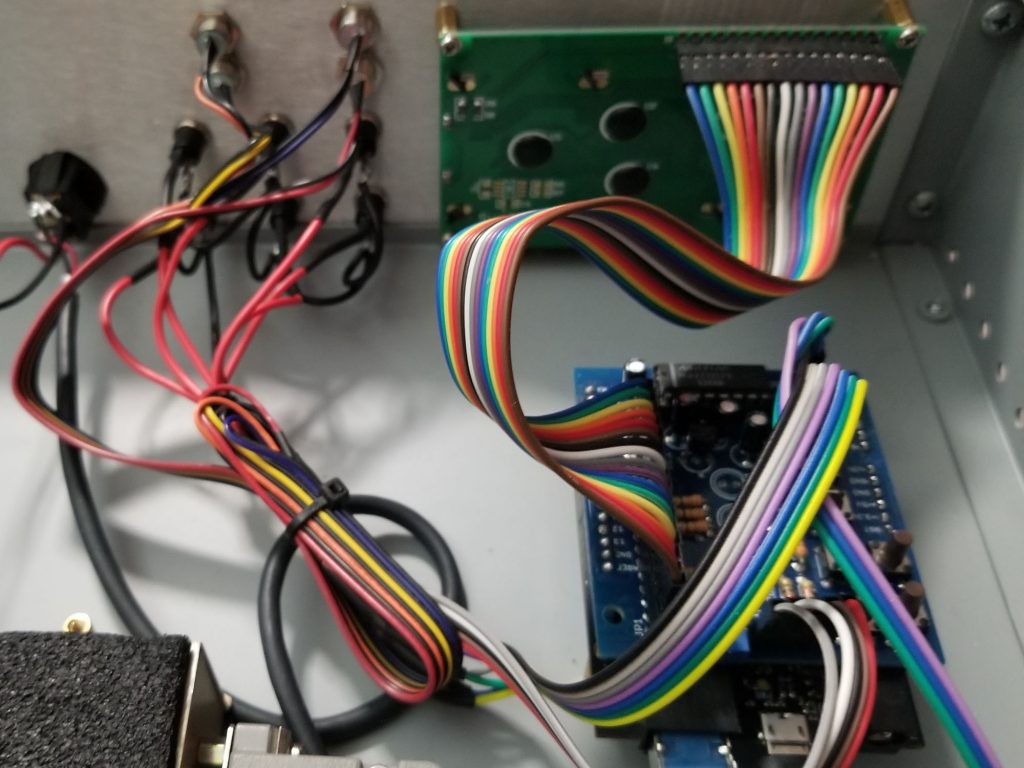
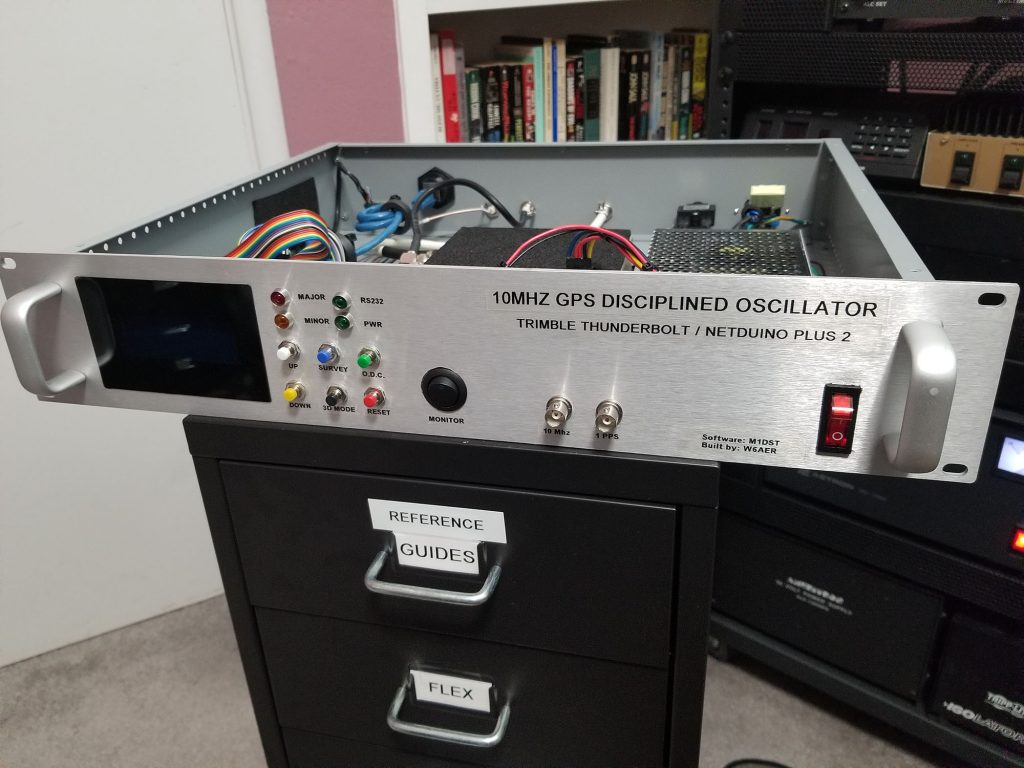
My plan is to build the GPS into a 19″ rack enclosure, add a 4×20 LCD screen and a few buttons for sending commands. As with most projects others have been there before and there is plenty of similar projects on the web. Most are much simpler than what I had planned. A few days ago I stumbled across a posting by VK4GHZ announcing his monitor for sale. When I looked at what it did I was very excited. I hoped it would be an open project which perhaps I could build. He has decided to make it a commercial venture and it costs AUD $160 + shipping! Wow!

I have decided to create my own project and document the progress here. I will publish anything I can including the code in the hope that someone benefits from it. I am a programmer by trade but still fairly new to programming micro controllers. The first attempt will be by using a PICAXE and a uM-FPU floating point processor. Few bits and bobs ordered so will get on it once they arrive.

Useful links